Brochure Design Guide
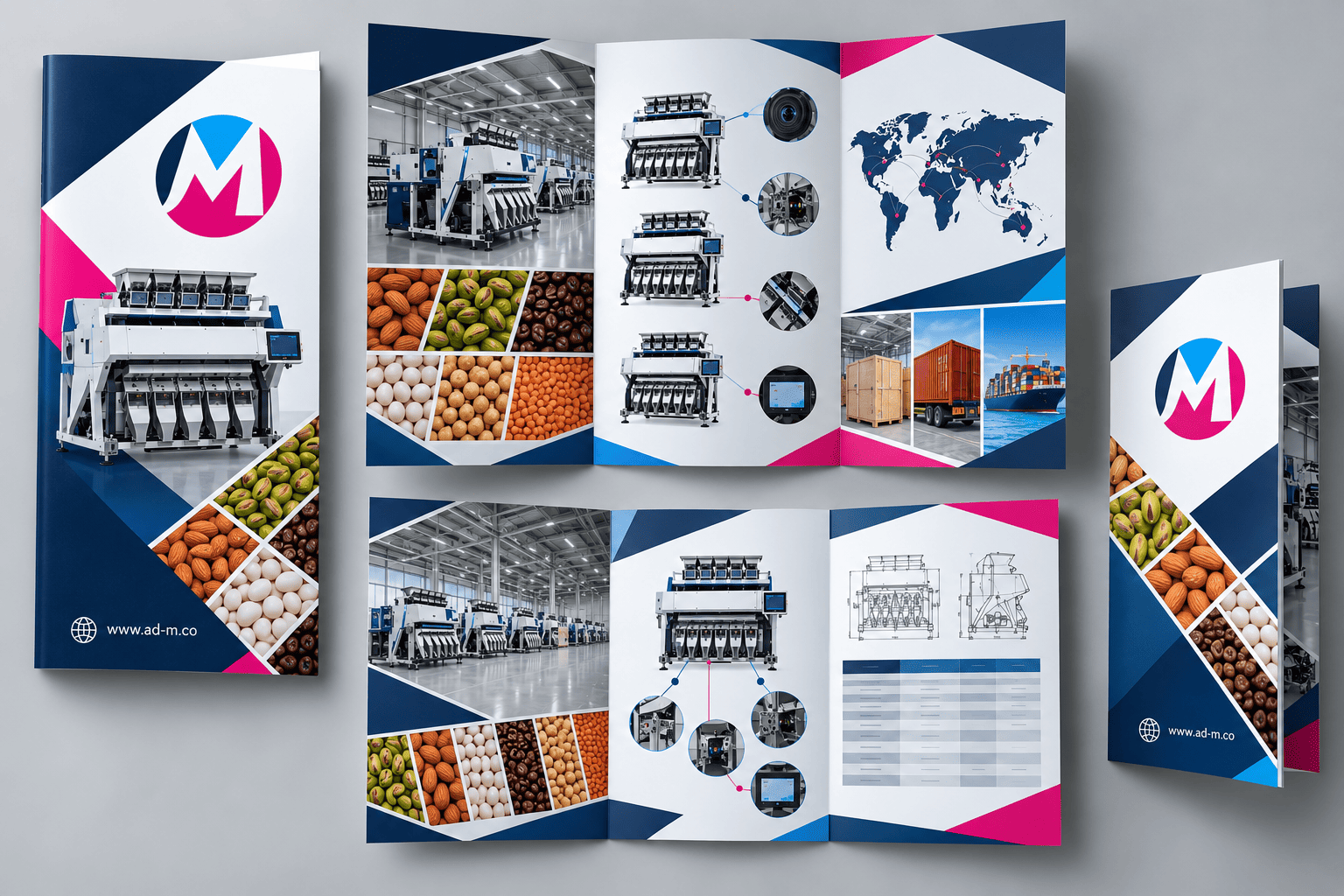
Brochure Design Guide: How to Create Powerful Marketing Print Materials
Discover the secrets of professional brochure design and how to transform printed paper into a powerful marketing tool that tells your business story and attracts customers at exhibitions and events.
Table of Contents
- 1. Introduction: Why Printed Brochures Remain an Indispensable Marketing Tool
- 2. Popular Brochure Types and How to Choose the Right Design for Your Business
- 3. Core Elements of a Successful Advertising Brochure Design
- 4. Technical and Printing Considerations to Ensure Premium Quality Output
- 5. Frequently Asked Questions (FAQ)
1. Introduction: Why Printed Brochures Remain an Indispensable Marketing Tool
Despite the dominance of digital marketing, the **printed brochure** remains one of the most powerful tangible marketing mediums leaving a lasting impression on customers—especially at trade shows, conferences, and corporate headquarters. A brochure gives your client a genuine interactive experience with your products and services in a detailed, structured format.
2. Popular Brochure Types and How to Choose the Right Design for Your Business
Brochure formats vary based on content nature and information volume:
- Bi-Fold Brochure: Divided into two main panels (4 inside and outside pages), ideal for simplified offers and quick profiles.
- Tri-Fold Brochure: The most popular and practical, divided into three panels (6 sections), excellent for displaying multiple services and clear contact info.
- Z-Fold / Gate Fold Booklets: Creative designs opening in innovative ways to command attention at major launches and exhibitions.
3. Core Elements of a Successful Advertising Brochure Design
For a brochure to achieve its selling or introductory purpose, it must feature an eye-catching, engaging cover, concise and direct text content, high-quality product imagery, and prominent contact details backed by a clear Call to Action.
4. Technical and Printing Considerations to Ensure Premium Quality Output
Always ensure design dimensions are precisely set with safe zones (Bleed & Margins), select the correct print color mode (CMYK), and opt for luxury paper stocks that enhance the perceived value of your brand.
5. Frequently Asked Questions (FAQ)
What is the best software for designing brochures and multi-page print materials?
Adobe InDesign is the premier professional tool for formatting layouts and booklets, while Illustrator handles logos and interlocking graphics, together providing an integrated print production solution.
How does Maria Deprma design corporate and exhibition brochures?
We craft unique, custom designs merging engaging marketing copy with your company’s visual identity, ensuring high-end print collateral competing strongly at major business events.
Preparing for an Upcoming Trade Show or Want to Present Your Services to Clients in a Professional, Tangible Way?
Get in touch with Maria Deprma’s expert team today to design stunning commercial brochures that leave an unforgettable impact.




Leave a Reply