What is Adobe InDesign
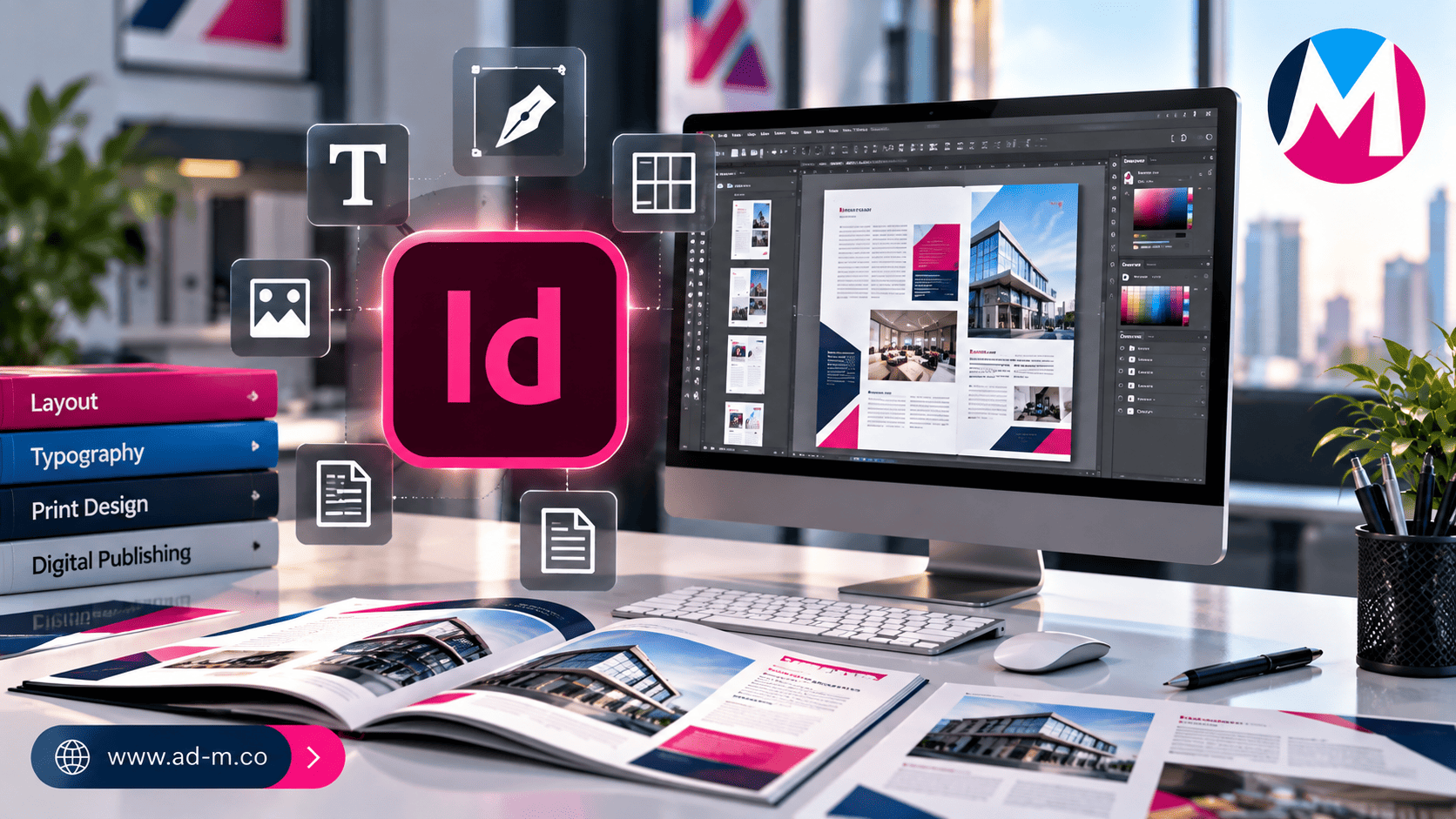
What is Adobe InDesign? The Ultimate Guide to Multi-Page Layout and Publishing Design
Discover the power behind Adobe InDesign and why it is the premier global standard for designing books, magazines, commercial catalogs, and multi-page print publications.
Table of Contents
- 1. Introduction: What is Adobe InDesign and What Is Its Core Role in Publishing?
- 2. The Power of Multi-Page Management and Master Pages
- 3. Core Uses of InDesign in Print and Digital Media
- 4. Technical Advantages That Make InDesign the Optimal Choice for Catalogs and Books
- 5. Frequently Asked Questions (FAQ)
1. Introduction: What is Adobe InDesign and What Is Its Core Role in Publishing?
**Adobe InDesign** is the world’s leading professional application in desktop publishing and multi-page layout (**Page Layout & Publishing**). It is specifically developed to help designers and publishing houses efficiently organize and format text and graphics across large documents.
2. The Power of Multi-Page Management and Master Pages
InDesign excels in its superior management of “Master Pages,” allowing designers to apply fixed elements (such as running headers, page numbers, and backgrounds) across hundreds of pages simultaneously, saving massive amounts of time and ensuring consistent brand identity.
3. Core Uses of InDesign in Print and Digital Media
The program is widely utilized across the business and publishing sectors including:
- Commercial Product Catalogs: Displaying e-commerce or corporate products in a structured, attractive, print-ready manner.
- Books & Magazines: Formatting chapters, headings, and tables precisely for physical print or e-books (EPUB).
- Annual Reports & Presentations: Preparing massive corporate institutional reports in a professional, modern style.
- Rapid-Layout Marketing Materials: Designing multi-panel brochures and promotional flyers.
4. Technical Advantages That Make InDesign the Optimal Choice for Catalogs and Books
The program provides advanced styling tools (Paragraph & Character Styles), full support for tables and charts, options to link content with external files, and exporting documents as interactive PDFs equipped with links and clickable buttons.
5. Frequently Asked Questions (FAQ)
Can I use Illustrator or Photoshop instead of InDesign to design a 50-page book?
This is strictly not recommended because Photoshop and Illustrator are built for single-page files, whereas InDesign is explicitly engineered to manage multi-page documents with smooth, organized text flow.
How does Maria Deprma utilize InDesign in its projects?
We rely on InDesign to design and prepare professional commercial catalogs, corporate identity booklets, and project reports ready for printing or digital publishing.
Need to Design a Professional Commercial Catalog or Multi-Page Corporate Report Highlighting Your Products and Services?
Get in touch with Maria Deprma’s expert team today to craft refined, structured print materials matching the highest standards of desktop publishing.




Leave a Reply