WordPress Plugins
WordPress Plugins: The Essential Guide to Choosing and Deploying Powerful Site Tools
Discover how WordPress plugins help transform your simple website into an integrated digital platform encompassing security, marketing, and speed tools.
Table of Contents
- 1. Introduction: What Are WordPress Plugins and Why Are They Indispensable?
- 2. Essential Plugin Categories (SEO, Security, and Caching)
- 3. Golden Rules for Managing Plugins and Preventing Site Slowdowns
- 4. Comparison Table: Free Plugins vs. Premium (Pro) Plugins
- 5. The Role of Continuous Updates in Platform Security and Stability
- 6. Frequently Asked Questions (FAQ)
1. Introduction: What Are WordPress Plugins and Why Are They Indispensable?
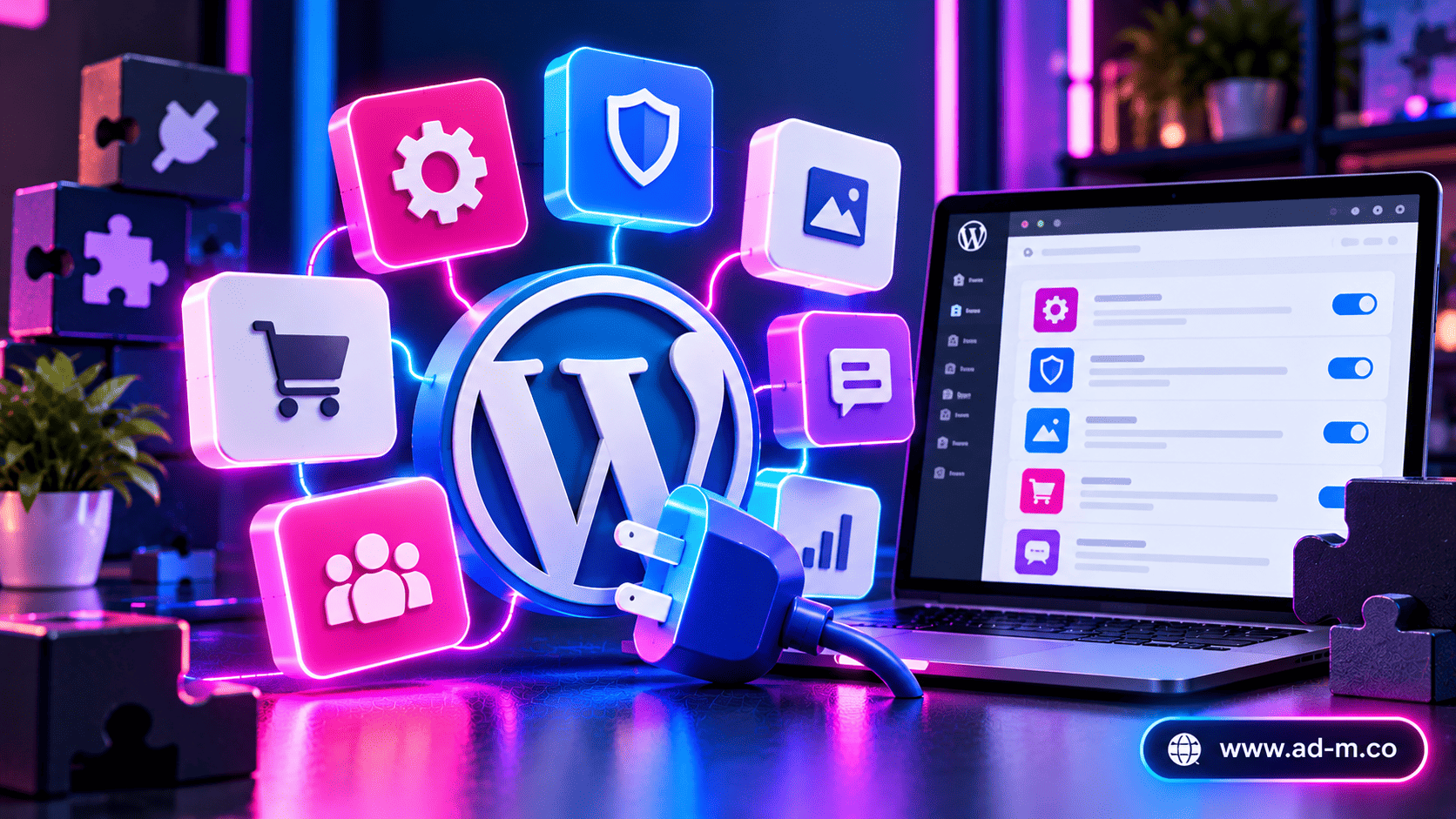
WordPress plugins are miniature software packages installed on your site to add new functions and features not found in the core system, such as turning it into an e-commerce store, adding contact forms, or linking it to social networks.
2. Essential Plugin Categories (SEO, Security, and Caching)
Every successful site relies on specialized plugins across a set of foundational pillars:
- Search Engine Optimization (SEO) Plugins: Tools like Rank Math or Yoast to help search engines understand your site content and index it efficiently.
- Security and Firewall Plugins: To protect the site from hacking attempts and malicious code attacks.
- Caching Plugins: To compress files and speed up page loading times for visitors.
3. Golden Rules for Managing Plugins and Preventing Site Slowdowns
Indiscriminately expanding plugin installations can lead to completely opposite outcomes manifested in slow browsing speeds or code conflicts:
- Stick to Essentials: Delete any plugin you do not actively and continuously use.
- Rely on Trusted Developers: Choose plugins with high ratings, continuous updates, and full compatibility with recent releases.
- Test Speed Regularly: Monitor your site performance after installing any new plugin to ensure it has no negative impact on loading speed.
4. Comparison Table: Free Plugins vs. Premium (Pro) Plugins
| Comparison Factor | Free Plugins | Premium (Pro) Plugins |
|---|---|---|
| Features & Capabilities | Basic, meeting general simple needs | Advanced, comprehensive of all professional functions |
| Technical Support | Relies on public support forums and is relatively slow | Direct and dedicated technical support from the developer team |
| Security Updates & Stability | Varies according to community developer activity | Instant and continuous updates to guarantee compatibility and security |
5. The Role of Continuous Updates in Platform Security and Stability
Plugin developer companies release periodic updates to patch discovered security vulnerabilities or improve code compatibility; therefore, neglecting plugin updates exposes your site to widespread security breaches threatening your digital business continuity.
6. Frequently Asked Questions (FAQ)
Do multiple plugins necessarily lead to a slow website?
Not necessarily if the plugins are lightweight and coded professionally, but an abundance of poor-quality or unused plugins consumes server resources and leads to noticeable slowdowns.
How does Maria Deprma help select and configure plugins?
We conduct a comprehensive audit of your site, selecting and installing top-tier security and optimization plugins perfectly aligned with global performance and loading speed standards.
Struggling with Site Slowness or Looking for a Professional, Secure Plugin Ecosystem?
Get in touch with Maria Deprma’s expert team today to engineer and optimize your site’s plugin architecture with top technical standards.



Leave a Reply