Updates and Continuous Maintenance
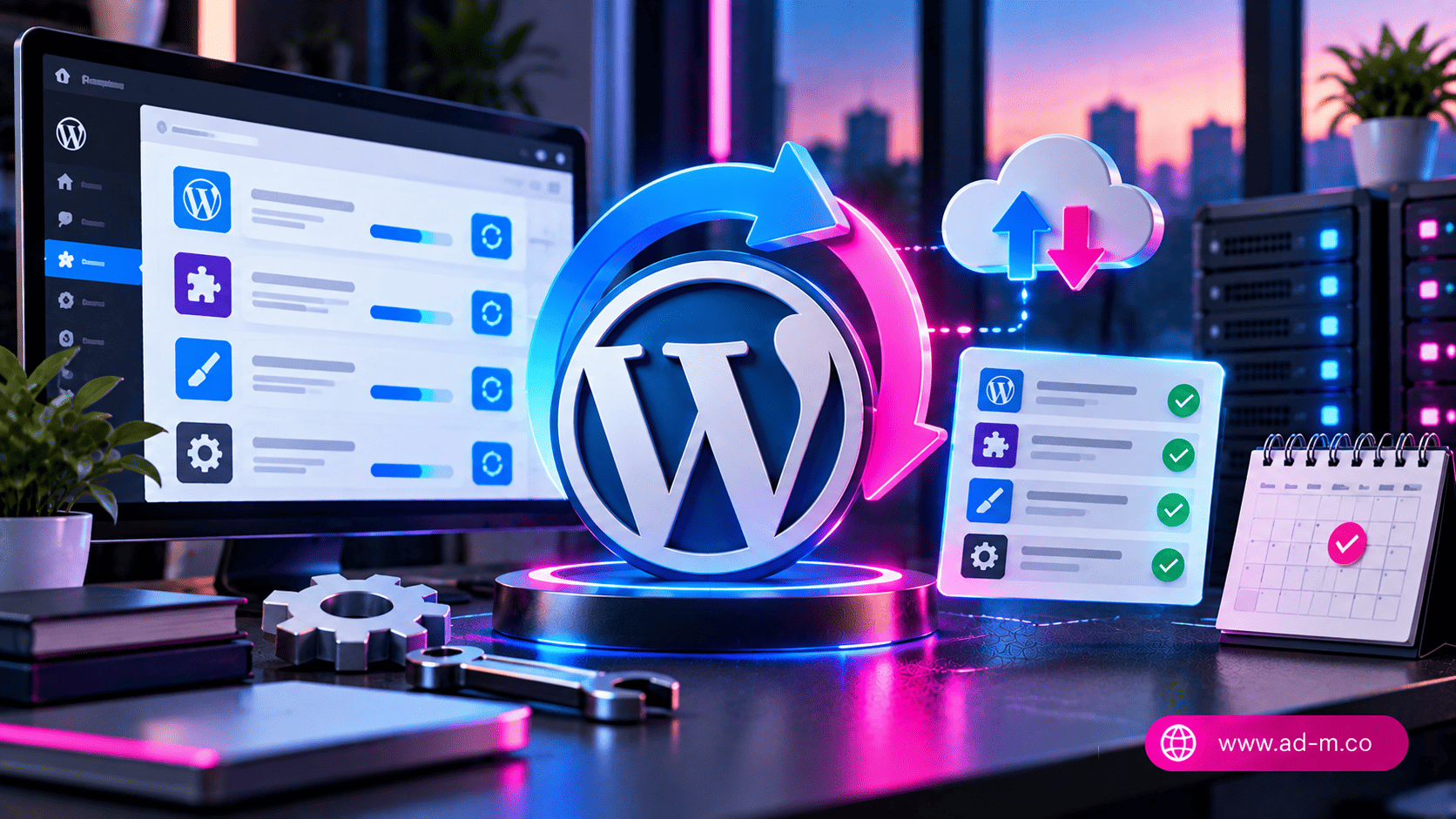
WordPress Updates and Continuous Maintenance (Updates & Maintenance)
Discover the critical importance of updating the WordPress core, themes, and plugins, and how to execute them securely without causing downtime or site errors.
Table of Contents
- 1. Introduction: Why Are Regular Updates a Pillar for Website Security and Stability?
- 2. Update Levels in WordPress: Core, Plugins, and Themes
- 3. Secure Methodology for Executing Updates and Avoiding Code Conflicts
- 4. The Role of the Staging Environment in Testing Major Updates
- 5. Frequently Asked Questions (FAQ)
1. Introduction: Why Are Regular Updates a Pillar for Website Security and Stability?
Ignoring WordPress updates is the largest vulnerability exploited by hackers to access websites. Updates do not merely introduce new features; they carry critical security patches and code compatibility enhancements with the latest PHP versions, ensuring stable and fast performance for your site visitors.
2. Update Levels in WordPress: Core, Plugins, and Themes
To manage your site professionally, you must understand the three main types of updates:
- Core Updates: Includes major updates to the WordPress system itself, requiring caution and prior testing, while minor security patches usually run automatically.
- Plugins Updates: The most frequent, aimed at closing vulnerabilities or improving the performance and functionality of plugins.
- Themes Updates: Ensuring design compatibility with software changes in the core and plugins and preventing visual errors.
3. Secure Methodology for Executing Updates and Avoiding Code Conflicts
Randomly clicking the “Update All” button can cause sudden site crashes (the famous white screen of death). Follow these steps for safe execution:
- Take a recent and comprehensive backup of files and the database before starting any update.
- Update plugins individually or in small batches to immediately notice any software conflict if it occurs.
- Monitor compatibility with the active PHP version on the server (it is always recommended to work on modern and secure PHP versions like 8.1 or higher).
4. The Role of the Staging Environment in Testing Major Updates
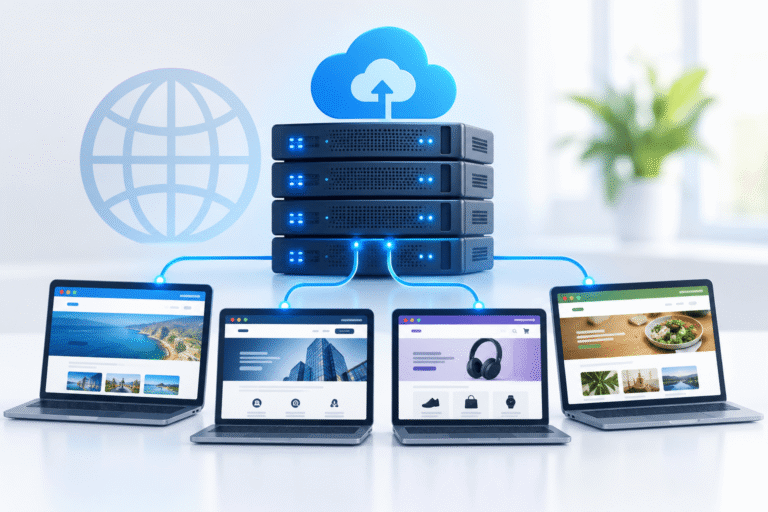
For large websites and sensitive e-commerce stores, it is never recommended to perform updates directly on the live site. Advanced hosting platforms provide an identical clone of the site called “Staging” to trial major updates and test functionality stability before final deployment.
5. Frequently Asked Questions (FAQ)
Should I enable automatic updates for everything in WordPress?
It is recommended to enable automatic updates for minor core security versions and some trusted plugins, while major complex themes and plugins are preferred to be updated manually after backing up.
How does Maria Deprma manage site maintenance and updates for clients?
We handle all site updates within our technical support packages, along with conducting security tests and automatic backups to ensure your site operates efficiently and without any downtime.
Looking for a Dedicated Team to Handle Your Site Maintenance and Updates with Total Peace of Mind?
Get in touch with Maria Deprma’s expert team today to leave maintenance and technical security worries behind, and focus entirely on growing your business.



Leave a Reply