
WordPress Backup and Data Protection
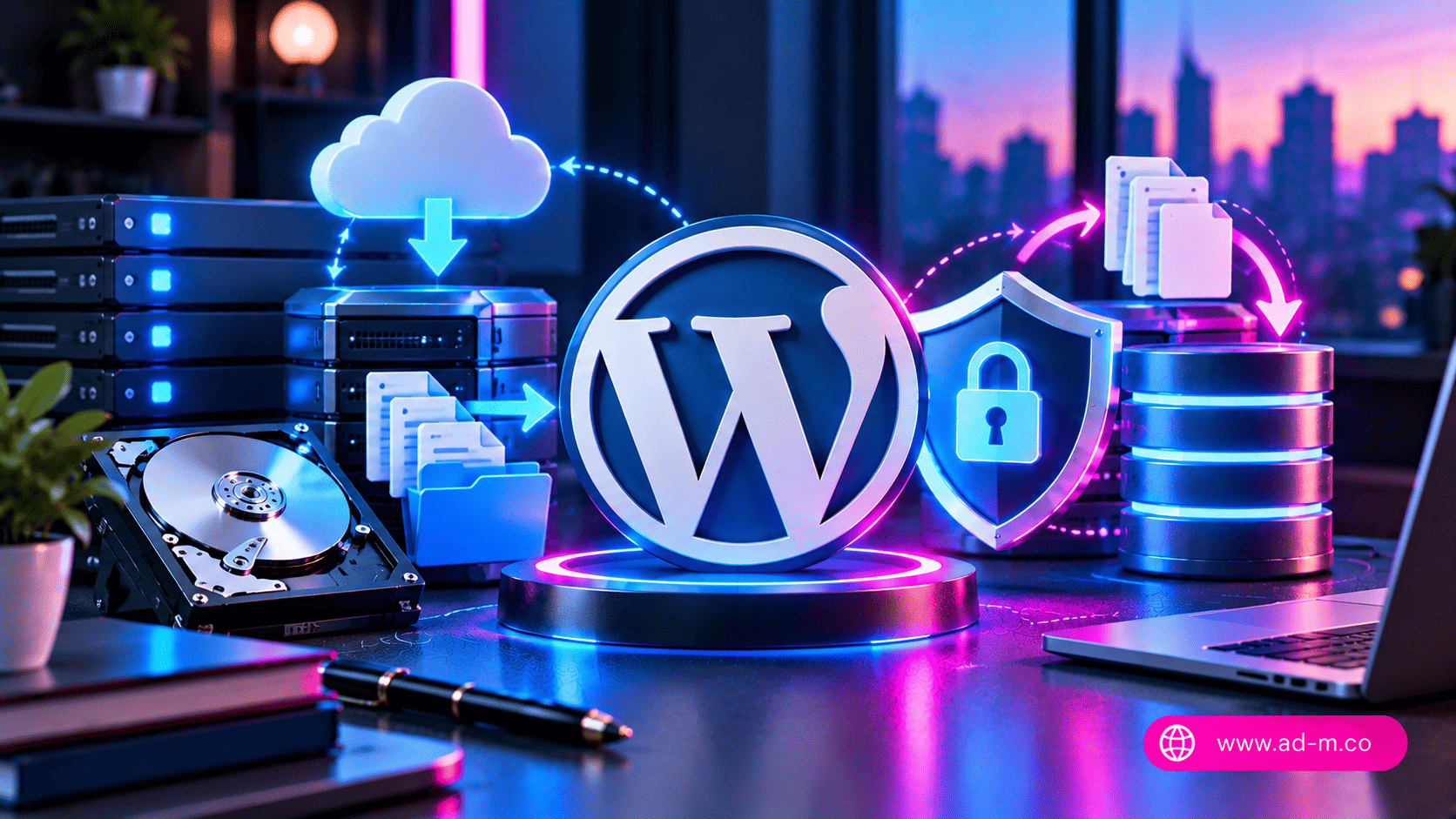
WordPress Backup and Data Protection (Backup & Disaster Recovery)
Learn the best practices and strategies to protect your website, how to schedule backups, and how to safely restore data in case of emergencies.
Table of Contents
1. Introduction: Why Is Backup Your Site’s First Line of Defense?
Unexpected server crashes, cyber attacks, or even minor coding errors during plugin and theme updates can wipe out years of hard work in a matter of seconds. Having a robust and reliable backup system is not just an optional feature—it is the only guarantee for business continuity and safeguarding your digital investments.
2. Backup Types: Files, Database, and Full System Backup
For a backup to be effective, it must cover all essential aspects of the website:
- Database Backup: Contains all posts, comments, customer data, and store settings (the most dynamic and sensitive part).
- Files Backup: Includes product images, themes, plugins, and core WordPress files.
- Full System Backup: Combining both together to provide a complete snapshot of the site allowing it to be restored from scratch effortlessly.
3. Building a Secure Backup Strategy (The 3-2-1 Rule)
Information security experts rely on a global strategy to ensure data is never lost:
- Keep at least 3 copies of your data.
- Store the copies on two different types of media or locations (such as a local server and external cloud storage).
- Keep at least one copy in an offsite geographical location away from the primary server.
4. Best Automated WordPress Backup Tools and Plugins
WordPress allows you to use professional plugins that automate the entire backup process and send them to cloud storage (like Google Drive or Amazon S3) without manual intervention:
- Plugins like UpdraftPlus or similar professional tools to organize schedules.
- Relying on built-in backup tools in the hosting control panel (such as cPanel or JetBackup) for extra server-level security.
6. الأسئلة الشائعة (FAQ)
How often should I backup my website?
This depends on the nature of the site; personal blogs can suffice with weekly backups, while large e-commerce stores and news sites should have daily or even hourly backups.
How does Maria Deprma help manage data protection and backups?
We provide our clients with advanced hosting solutions backed by fully automated cloud backup systems, along with regular data integrity testing and readiness for instant restoration at any time.
Want to Secure Your Website Against Any Emergency or Sudden Crash?
Get in touch with Maria Deprma’s expert team today to set up a secure and professional cloud backup system that protects your business around the clock.




Leave a Reply