
WooCommerce
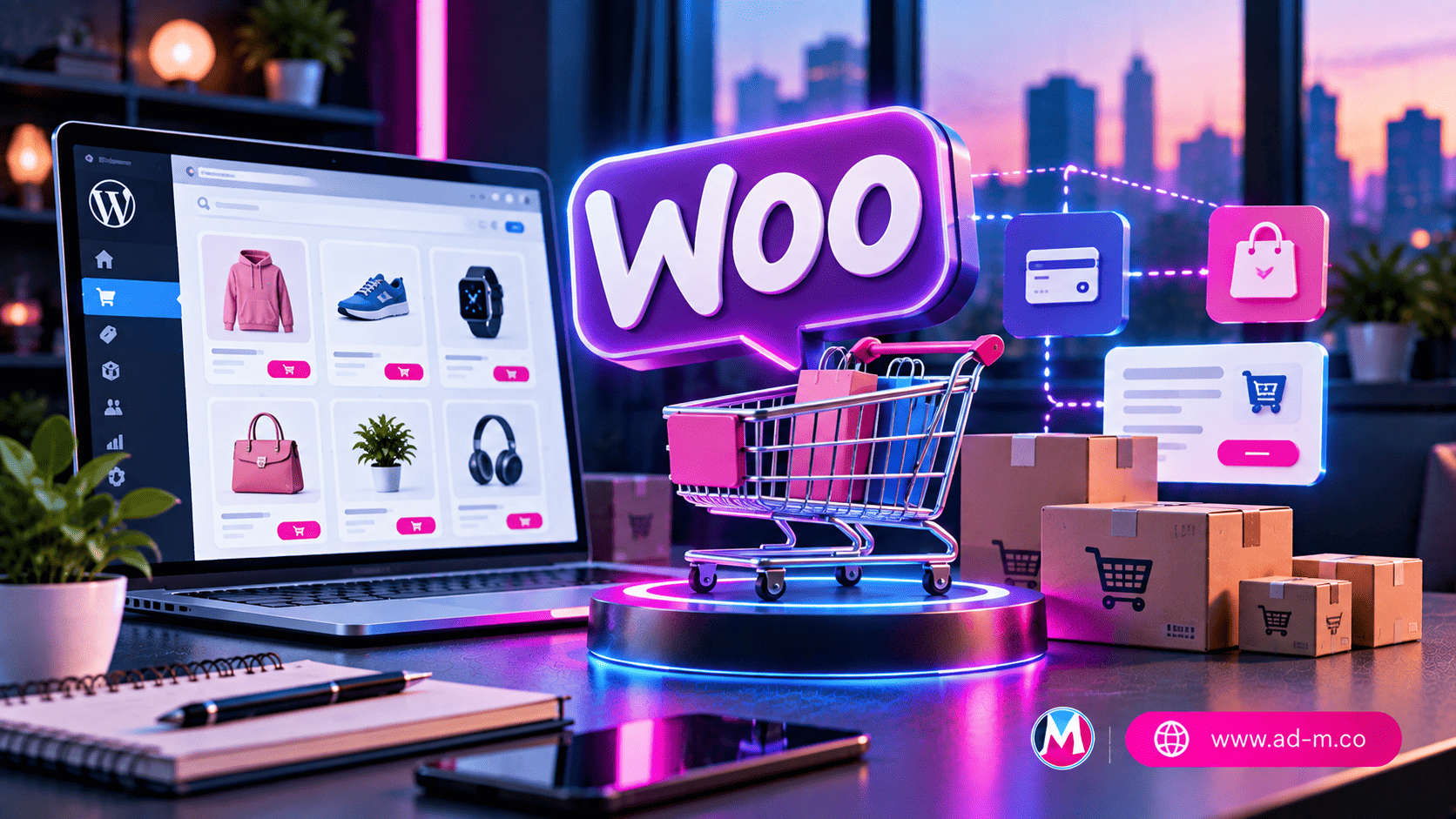
WooCommerce: The Ultimate Guide to Building and Managing Online Stores
Discover the power behind the world’s most popular e-commerce platform and transform your WordPress site into a complete, powerful sales store.
Table of Contents
- 1. Introduction: What is WooCommerce and Why Is It the Top Choice for E-Commerce?
- 2. Core Features for Product Management, Inventory, and Checkout
- 3. Customization Flexibility and Payment/Shipping Integrations
- 4. Tips for Optimizing Speed and Performance for Large WooCommerce Stores
- 5. Frequently Asked Questions (FAQ)
1. Introduction: What is WooCommerce and Why Is It the Top Choice for E-Commerce?
WooCommerce is not just a standard plugin; it is the most powerful and flexible ecosystem to turn any WordPress site into a fully-fledged e-commerce store. It gives you 100% ownership of your data and site without hidden sales commission fees, making it the top choice for millions of startups and giant stores worldwide.
2. Core Features for Product Management, Inventory, and Checkout
The system provides advanced tools allowing you comprehensive and professional management of your store:
- Diverse Product Management: Full support for simple, digital, downloadable, and variable products (like color and size).
- Automatic Inventory Tracking: Monitor stock levels and send automatic alerts when quantities run low.
- Order and Customer Management: Track shipping statuses, issue invoices, and analyze customer purchase history to boost loyalty.
3. Customization Flexibility and Payment/Shipping Integrations
WooCommerce features thousands of compatible extensions and themes, allowing the store to integrate with global and local payment gateways (such as Stripe, PayPal, and regional gateways), as well as integrating shipping companies to automatically calculate delivery costs based on weight or destination.
4. Tips for Optimizing Speed and Performance for Large WooCommerce Stores
Large e-commerce stores need special care regarding performance due to intensive computational calculations and database queries:
- Using fast and powerful server hosting (such as servers powered by NVMe drives and optimized for Redis/Memcached).
- Optimizing product images and utilizing a dedicated caching system for store and cart pages.
- Regularly cleaning the database and removing temporary logs and old cancelled orders.
5. Frequently Asked Questions (FAQ)
Does WooCommerce charge sales commission fees?
No, WooCommerce is a free, open-source plugin. You will not pay any sales commissions to the platform, only the processing fees of the payment gateway you choose.
How does Maria Deprma help build a WooCommerce store?
We provide custom e-commerce design and development services via WooCommerce, along with server provisioning, performance optimization, and payment gateway integration to ensure your business launches efficiently.
Looking to Launch Your Professional Online Store and Boost Sales?
Get in touch with Maria Deprma’s expert team today to develop and configure a comprehensive WooCommerce store that aligns with your business goals.




Leave a Reply