What is Adobe Illustrator
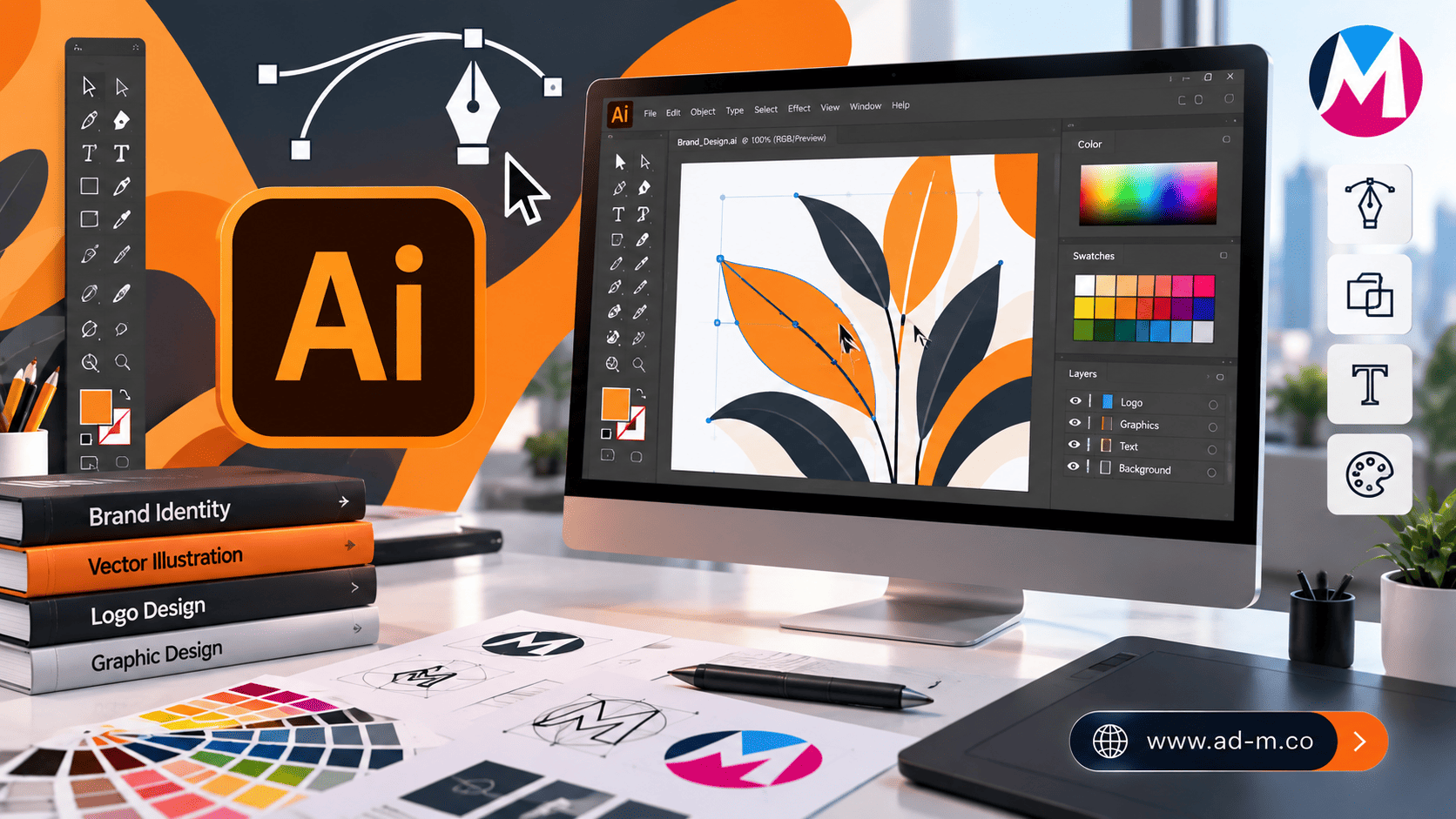
What is Adobe Illustrator? The Ultimate Guide to Vector Graphics and Design
Discover the power behind Adobe Illustrator and why it is the premier global standard tool for designing logos, icons, and vector graphics with absolute engineering precision.
Table of Contents
- 1. Introduction: What is Adobe Illustrator and Why Is It the Foundation of Graphic Design?
- 2. What Are Vector Graphics and Why Do They Outperform Pixels?
- 3. Core Uses of Illustrator in Business and Brand Identity
- 4. Key Advantages That Make Illustrator the Top Choice for Professionals
- 5. Frequently Asked Questions (FAQ)
1. Introduction: What is Adobe Illustrator and Why Is It the Foundation of Graphic Design?
**Adobe Illustrator** is the world’s leading application in **Vector Graphics**, developed by Adobe to become the premier professional tool for designers worldwide. Unlike image editing software that relies on pixel units, Illustrator enables the creation of graphics based on mathematical equations and geometric paths.
2. What Are Vector Graphics and Why Do They Outperform Pixels?
Vector technology relies on Anchor Points, lines, and Paths instead of pixels. This means you can scale up a design to match a giant billboard size or scale it down to a tiny business card size without losing any quality or showing any pixelation.
3. Core Uses of Illustrator in Business and Brand Identity
The program is utilized across wide fields including:
- Logo & Icon Design: The foundational core for building brand identity for companies and e-commerce stores.
- Vector Illustrations: Drawing cartoon characters, vector art, and complex artistic illustrations.
- Print & Packaging: Designing product bags, packaging, and commercial catalogs with high print precision.
- Typography: Designing and modifying Arabic and foreign fonts and creating stunning visual typography displays.
4. Key Advantages That Make Illustrator the Top Choice for Professionals
The program features superior flexibility in controlling paths via the Pen Tool, advanced shape-building tools, seamless integration with Creative Cloud services, and the ability to export graphic assets smoothly for websites and applications.
5. Frequently Asked Questions (FAQ)
What is the main difference between Adobe Illustrator and Adobe Photoshop?
Photoshop is dedicated to editing and processing raster/pixel images, whereas Illustrator is completely dedicated to designing vector graphics, logos, and geometric art.
How does Maria Deprma utilize Illustrator in its projects?
We rely entirely on Illustrator to design professional logos, custom e-commerce store icons, and brand identity files with uncompromised engineering precision.
Want to Own a Professional Logo and Precise Vector Graphics That Enhance Your Brand’s Market Presence?
Get in touch with Maria Deprma’s expert team today to transform your ideas into stunning designs using the latest Illustrator tools.




Leave a Reply