What is Outlook
What is Outlook? Your Comprehensive Guide to Professional Email Management and Business Organization
Discover the Microsoft Outlook platform and learn how to manage your professional emails, calendar, and contacts with the highest efficiency.
Table of Contents
1. Introduction: Why Professional Email Management is Crucial
After learning how to create a professional email carrying your company domain name, the next and most important step is **how to manage this email effectively**. Compiling correspondence, tracking clients, and organizing schedules all require a powerful and reliable tool like **Microsoft Outlook**.
2. What is Microsoft Outlook and How Does It Work?
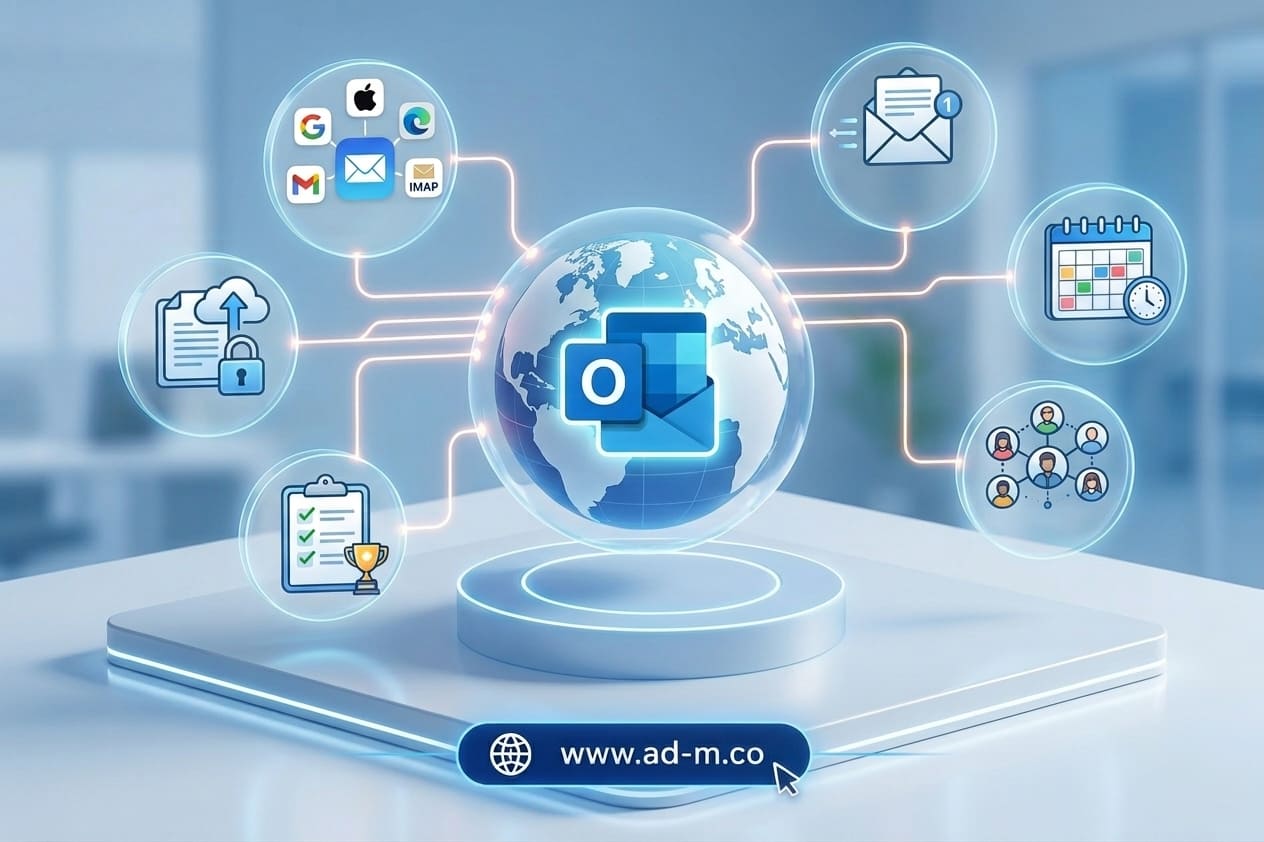
**Outlook** is one of Microsoft’s oldest and most powerful personal information management and email programs. It is not limited to being a tool for sending and receiving messages, but represents an integrated system combining:
- Email: Managing multiple inboxes within a single interface.
- Calendar: Scheduling meetings, appointments, and virtual gatherings.
- Contacts: Saving and organizing client and business partner data.
- Tasks: Tracking daily tasks and follow-up lists.
3. Key Features of Outlook for Businesses and Projects
The program provides a set of advanced features benefiting business owners:
- Smart Organization: Automatically sorting incoming messages based on importance or projects.
- High Security: Advanced protection against spam and phishing attacks.
- Multi-Access: Ability to manage it via desktop app, mobile device, or web browser (Outlook on the Web).
4. Linking Your Professional Domain Email to Outlook
You can easily link your official email (e.g., info@yourcompany.com) to Outlook using your hosting’s connection settings (IMAP / SMTP), enabling you to track your business and send official replies directly from the app.
5. Frequently Asked Questions (FAQ)
Is Outlook free or paid?
Outlook is available in free versions via the web, while advanced and professional desktop versions are part of paid Microsoft 365 business packages.
How does the Maria Deprma team assist in setting up your email on Outlook?
We help you configure all connection settings and technical integration for your professional email to run smoothly inside Outlook across all your devices.
Want to Link and Manage Your Professional Email Seamlessly Through Outlook?
Get in touch with Maria Deprma’s expert team today to configure and link your official email to operate at peak efficiency.


Leave a Reply