
Apple Mail Guide
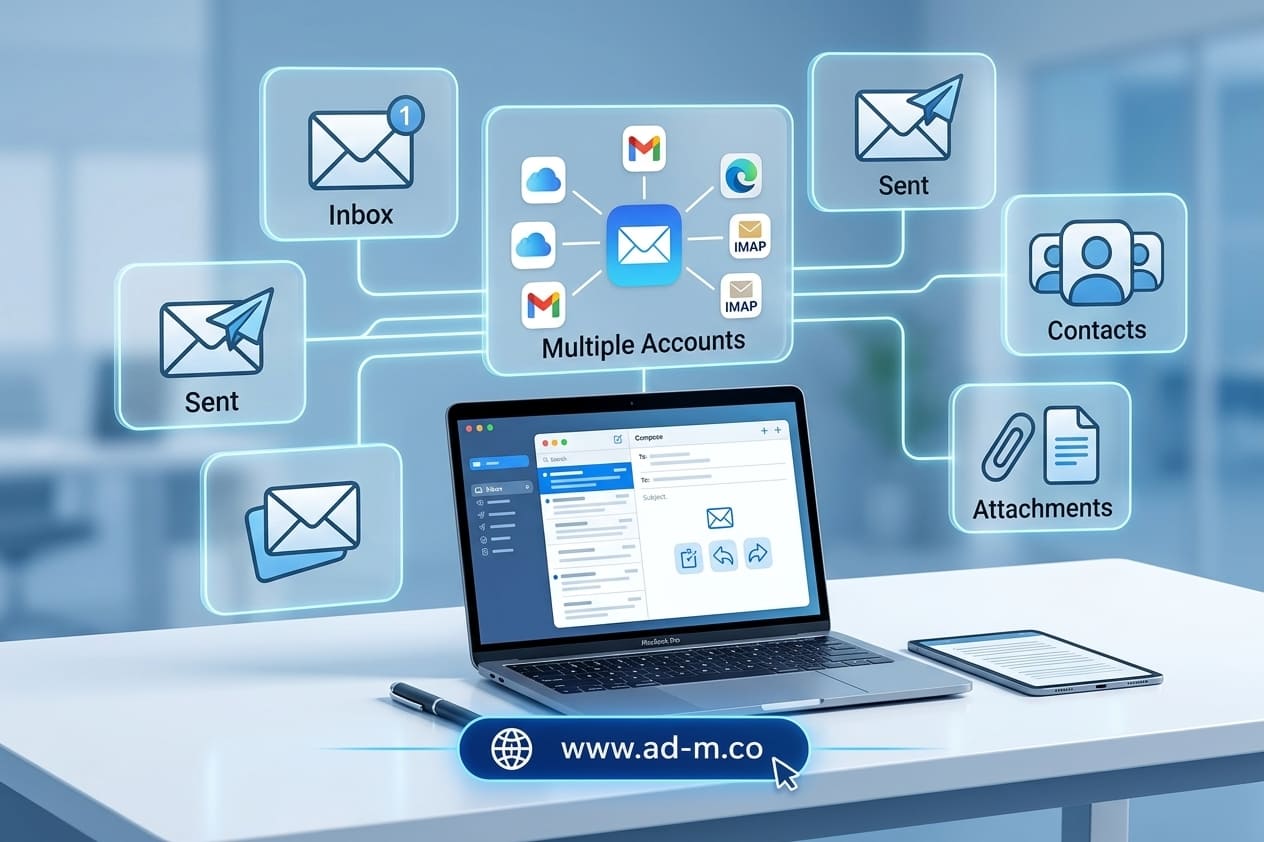
Apple Mail Guide: Seamlessly Managing Your Professional Email on Apple Devices
Discover Apple’s built-in email application (Apple Mail) and how to efficiently configure and link your professional business email across iPhone, iPad, and MacBook.
Table of Contents
1. Introduction: Apple’s Signature Business Correspondence Experience
After covering how to create a professional email and manage it through software like Outlook, it’s time to address users within the Apple Ecosystem. **Apple Mail** stands out as the primary and most seamless choice for anyone relying on Mac, iPhone, or iPad to manage daily operations.
2. What is Apple Mail and Why Do Business Owners Prefer It?
**Apple Mail** is the official built-in email client across Apple operating systems (macOS and iOS). It features deep system integration, a clean ad-free user interface, and low battery consumption, making it ideal for entrepreneurs and business professionals constantly on the move.
3. Key Features of Apple Mail for Business Management
The application provides an advanced suite of features to streamline business organization:
- Automatic Synchronization: Instant, lightning-fast message syncing across all your Apple devices via iCloud Keychain.
- Advanced Privacy Tools: Privacy protection features preventing IP address tracking and hiding email addresses.
- Smart Organization: Message classification, priority sorting, send scheduling, and follow-up reminder settings.
4. Steps to Link Your Professional Domain Email to Apple Mail
You can easily add your official email (e.g., info@yourcompany.com) by navigating to device settings, selecting “Mail”, then “Accounts”, and adding a new account using your hosting mail server configurations (IMAP/SMTP).
5. Frequently Asked Questions (FAQ)
Is the Apple Mail app free?
Yes, the application is completely free and built-in by default across all Apple devices (iPhone, iPad, Mac).
How does the Maria Deprma team assist in setting up email on Apple devices?
We help you configure all server details and technical settings to ensure your professional email runs with peak efficiency and rock-solid stability across all your devices.
Want to Seamlessly Link and Manage Your Professional Email on Apple Devices?
Get in touch with Maria Deprma’s expert team today to configure and link your official email to operate at peak efficiency on iPhone and Mac.




Leave a Reply