
Managing Professional Email on Android
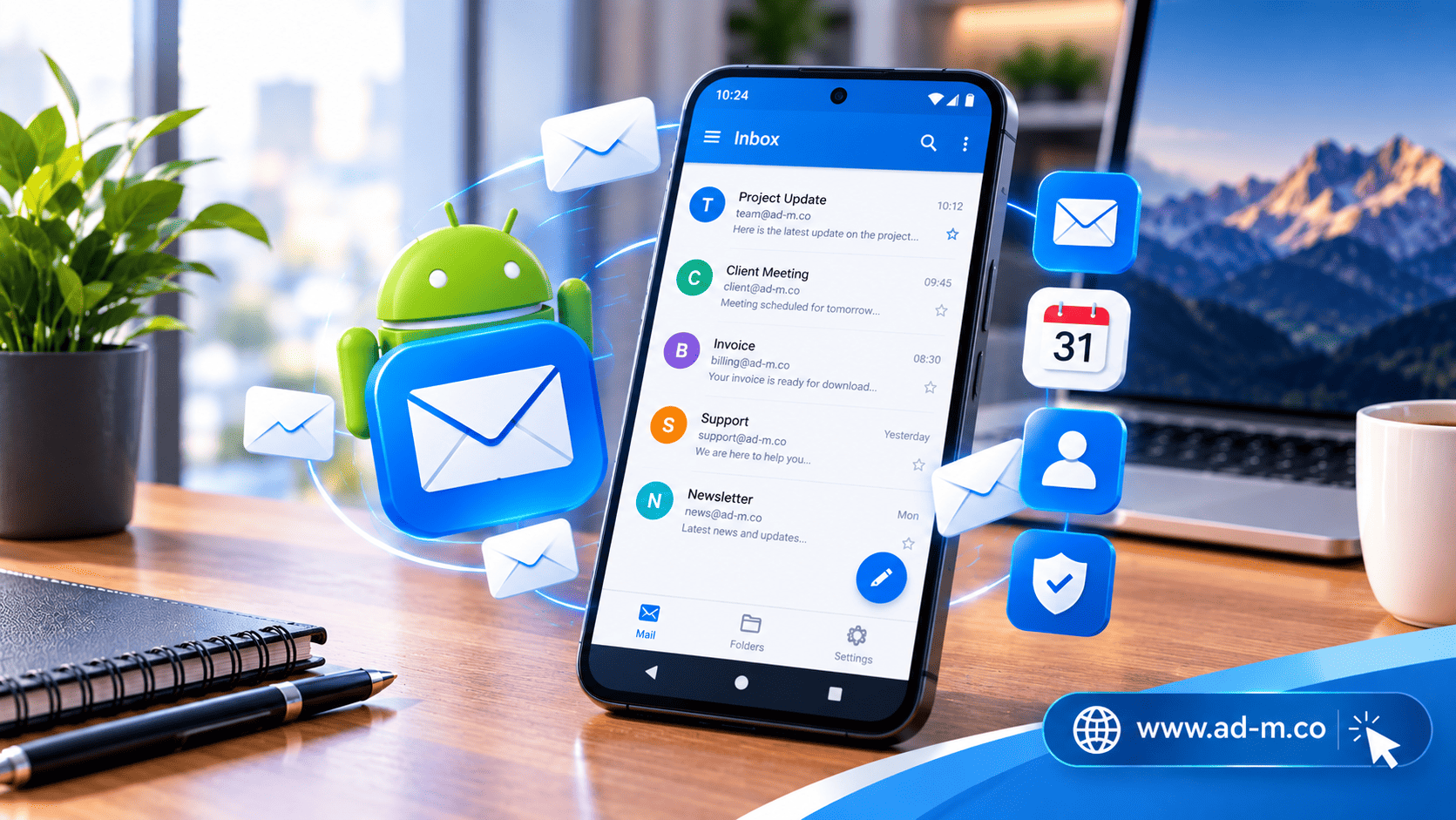
Managing Professional Email on Android: Best Apps and Comprehensive Steps
Learn how to configure and link your professional business email (tied to your company domain) on Android phones using the best email management apps with high efficiency.
Table of Contents
1. Introduction: The Importance of Corporate Email Management on Android
After reviewing email management options for computers and Apple devices, we turn to the **Android** operating system, which captures a broad share of business owners’ and employees’ devices. The ability to track client messages and reply instantly from your smartphone boosts customer service efficiency and ensures no commercial opportunity is lost.
2. Best Email Applications for Android
Android offers high flexibility in choosing email applications, most notably:
- Gmail App (for Android): Not limited to Google accounts; it supports adding any external email (IMAP/POP3) with a familiar and fast interface.
- Outlook for Android: An excellent option combining email, calendar, and files into a unified professional interface.
- Advanced Alternative Apps (e.g., K-9 Mail or FairEmail): Open-source options with a heavy focus on privacy and complete security.
3. Steps to Link Your Professional Email (IMAP/SMTP) on Android
You can link your official email (e.g., info@yourcompany.com) by following these steps in any mail app:
- Adding a new account and selecting “Other” or Manual Setup.
- Entering the incoming (IMAP) and outgoing (SMTP) mail server details provided by your hosting company.
- Entering the email password and testing the connection to ensure successful synchronization.
4. Tips to Boost Productivity and Manage Correspondence on the Go
To make the best use of your Android phone in business management, be sure to assign a distinct notification tone for your professional email to separate it from personal messages, and use ready-made quick replies to address frequent client inquiries.
5. Frequently Asked Questions (FAQ)
Does the Android Gmail app support custom domain email?
Yes, you can easily add and manage any email belonging to your corporate domain inside the Gmail app via account settings.
How does the Maria Deprma team assist in setting up email on Android?
We provide you with complete technical guidance and correct server information to smoothly link your professional email on your Android phone.
Want to Configure and Link Your Professional Email on Your Android Phone Professionally?
Get in touch with Maria Deprma’s expert team today to help you set up and link your official email to operate at peak efficiency on your phone.



Leave a Reply